
Outer Wilds How to Save: Autosaves and Loop Resets
Outer Wilds how to save explained: learn when autosaves happen, what survives each loop, and how to quit while keeping your discoveries in the ship's log.
Jump to
How to Save Your Game
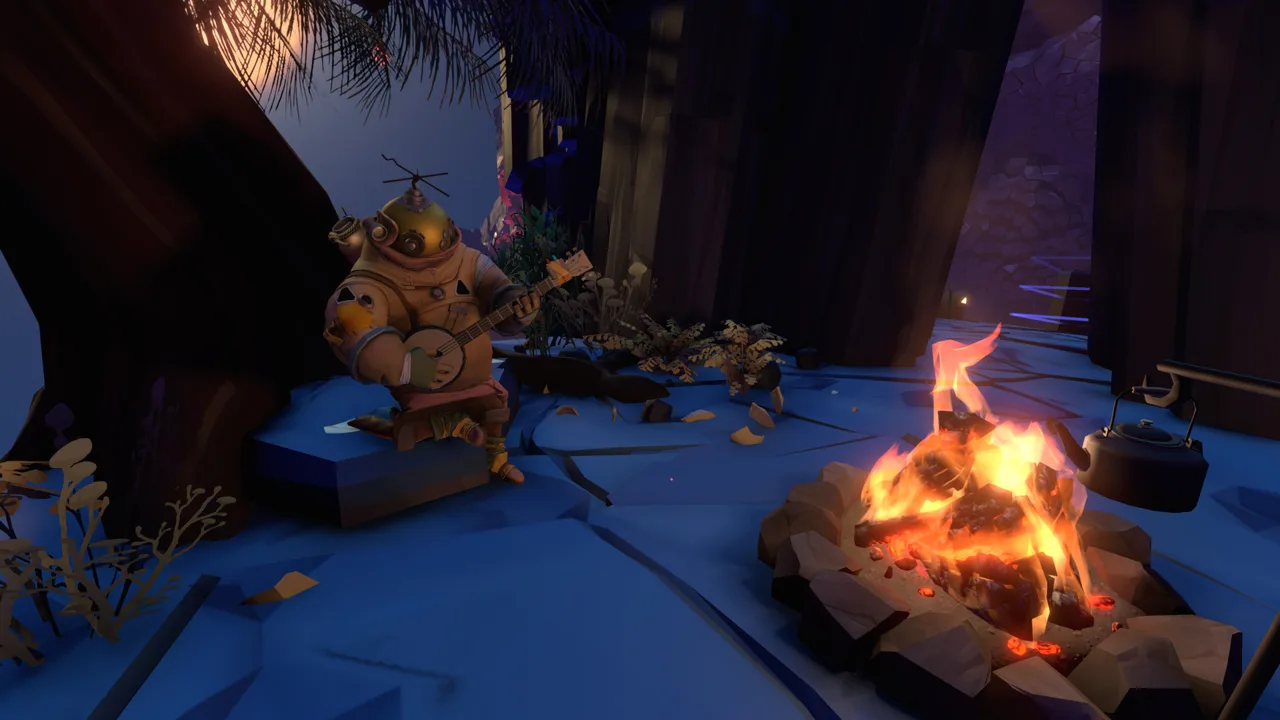
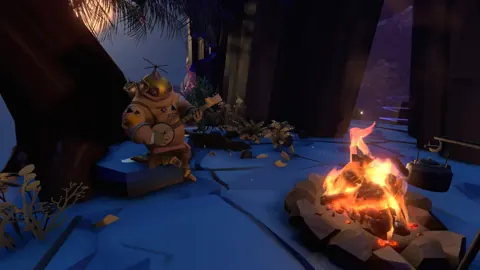
You can keep your discoveries without keeping your current position. If you’re searching for “Outer Wilds how to save,” the game autosaves when the time loop resets or you quit through the pause menu. Your recorded knowledge carries forward, but you return to the campfire on Timber Hearth when you continue.
There is no manual save button or checkpoint system. You cannot save outside a dangerous location and reload directly there after a mistake.
To finish a session through the game’s menus:
- Open the pause menu.
- Choose the option to quit the game.
- Return to the main menu. Quitting this way ends the current loop and saves your progress.
You do not need to fly back to your ship or return to Timber Hearth before quitting.
If you want to keep playing, a normal loop reset also saves your progress. That happens when you die or reach the end of the 22-minute loop. Once you wake up at the campfire, the reset and save have taken place.
Echoes of the Eye uses the same saving system. The expansion does not introduce a separate manual save or checkpoint feature.
Official page: Outer Wilds (mobiusdigitalgames.com)
What You Keep When the Loop Resets
Progress in Outer Wilds centers on knowledge. You do not build up a collection of permanent equipment upgrades or new abilities; you learn how the solar system works and where to go next.
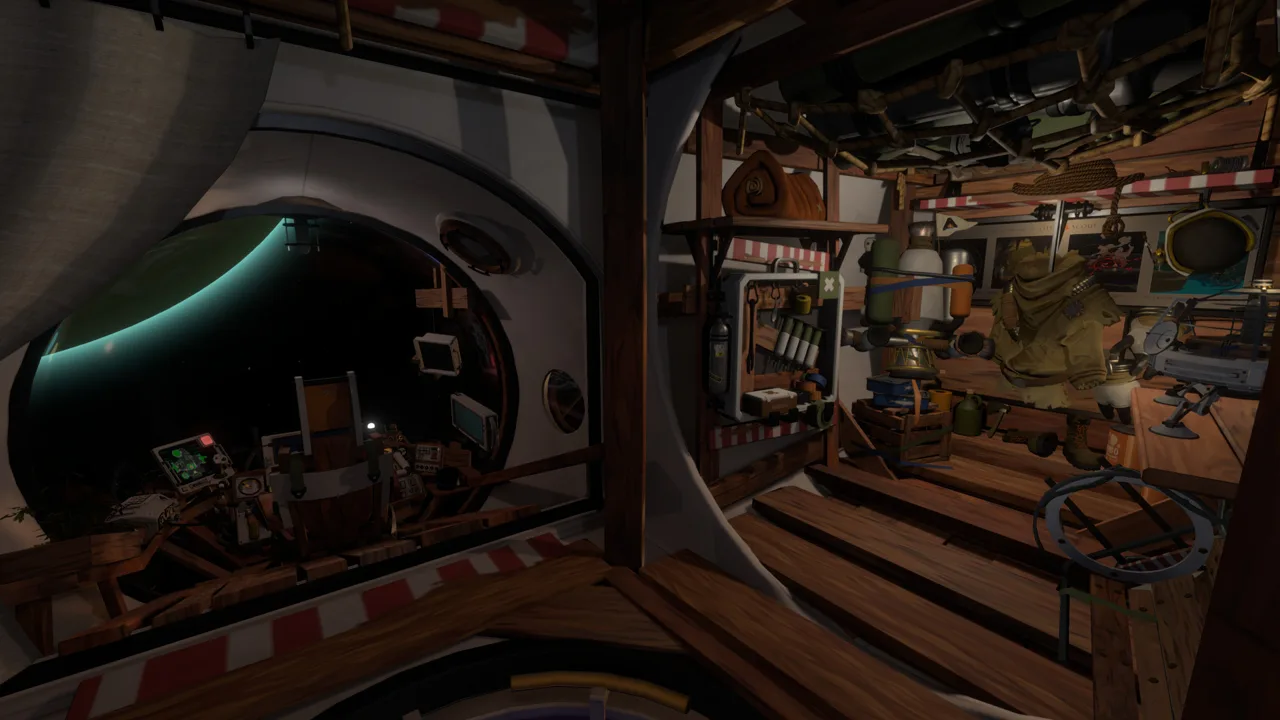 Image: Steam / Mobius Digital
Between loops, you keep:
- Ship’s log entries: Recorded discoveries, rumors, and connections remain available on your ship’s computer.
- Your understanding of puzzles: A solution you learned still helps even when the puzzle itself resets.
- Knowledge of routes: Discovering a shortcut gives you a route you can use again without repeating the search.
Your location and changes to the world reset. Opening a route or moving something during an expedition does not preserve that physical state for the next loop.
For example, finding an entrance to an underground area teaches you how to return. You will still need to travel there again, but you can head straight for that entrance.
Time also changes the environments you explore. An underground city becomes swallowed by sand, while a planet’s surface crumbles beneath your feet. Plan visits around those changes: reach the city before the sand fills it, and account for collapsing terrain when exploring the unstable surface.
Quitting does not suspend the expedition. If you stop halfway through exploring a ruin, continuing later starts another loop rather than placing you inside that ruin. Finish investigating your immediate surroundings before quitting if you want to avoid retracing an unfinished search.
Use the Ship’s Log to Pick Up Where You Left Off
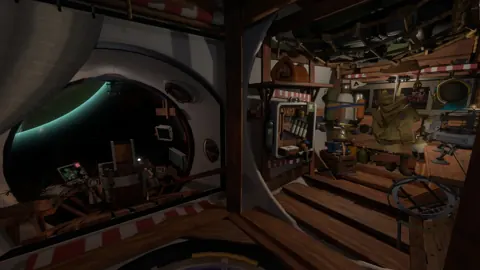
The ship’s computer sits in the aft section of your spacecraft. Its log gives you a persistent record to consult after a reset or between sessions.
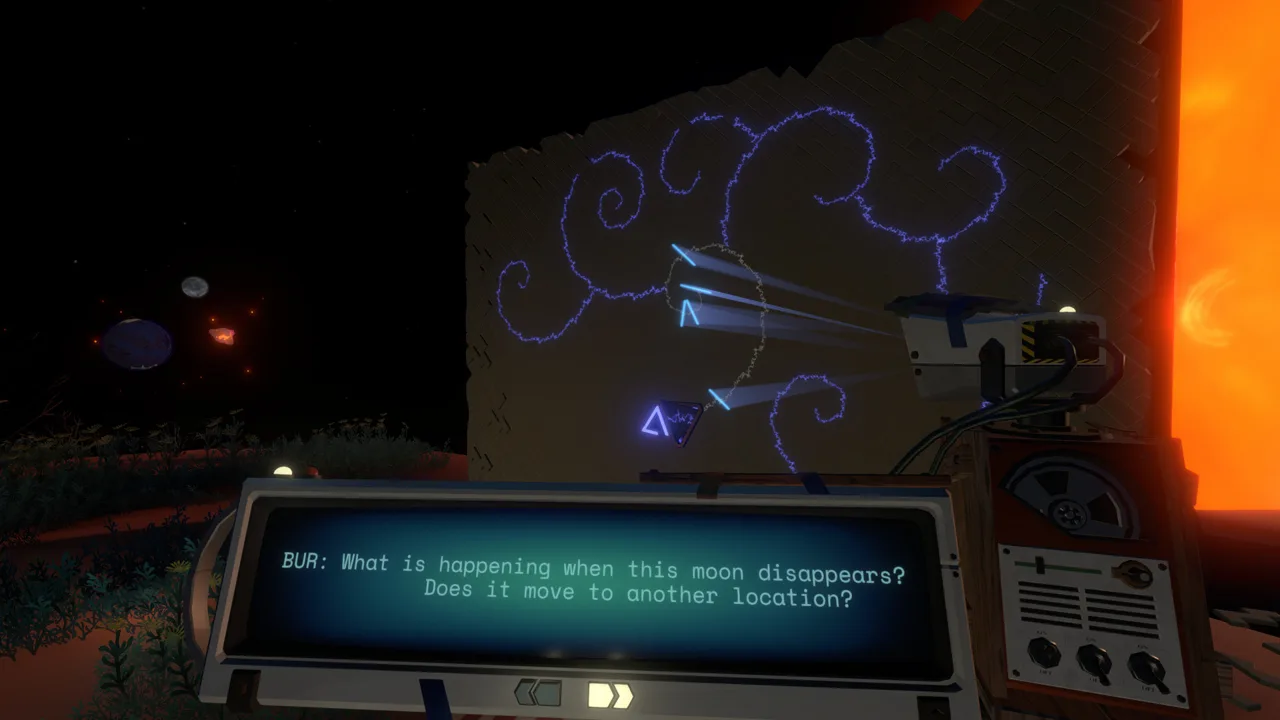 Image: Steam / Mobius Digital
There are two ways to browse it:
- Map Mode groups discoveries by the planets and structures associated with them.
- Rumor Mode shows how discoveries connect, helping you follow related clues.
Rumor Mode’s layout can differ between players because the connections depend on the order in which discoveries are made. Read the entries and their relationships rather than expecting the same arrangement of clues in every playthrough.
Two markers help you choose your next destination. A green exclamation point means an entry contains new text you have not read. An orange asterisk means there is more to discover at that location.
Before your next launch, read the new entries and follow a connection you have not explored. If you return to a location marked with an orange asterisk, look for additional information rather than assuming the marker means your previous visit failed to save.
Continue with
 Outer Wilds Beginner Tips: Explore Without SpoilersOuter Wilds beginner tips to help you fly, read your ship log, manage oxygen, and follow clues without spoiling the mystery. Make your next launch count.
More in Guide
See all GuidePopular pages
Outer Wilds Achievements: Complete 100% Unlock Guide
Unlock all Outer Wilds achievements with base game and Echoes of the Eye checklists, tough trophy tips, rarity stats, and a clear 100% completion route.
Outer Wilds Switch: Price, Download Size, and Gameplay
Explore Outer Wilds Switch with release details, download size, play modes, and a spoiler-light look at its time-loop mystery before your next spaceflight.
Outer Wilds Mods: How to Install and Manage Your Mods
Install Outer Wilds mods with the Mod Manager, set up OWML, explore community tools, and learn how to manage downloads or return to the unmodded game.
Outer Wilds DLC Guide: How to Start Echoes of the Eye
Use this Outer Wilds dlc guide to find Echoes of the Eye, reach the Stranger, revisit its hidden areas, and navigate Starlit Cove with clear puzzle steps.
Join the community
Official channels for news, updates and player help: