
Outer Wilds Mods: How to Install and Manage Your Mods
Install Outer Wilds mods with the Mod Manager, set up OWML, explore community tools, and learn how to manage downloads or return to the unmodded game.
Jump to
How to Install Mods With the Mod Manager
Outer Wilds mods can give your next trip into space new features, improvements, and extra content. The Mod Manager brings downloading, updating, and launching together in one app. Install it alongside OWML, the mod loader, to get started.
These are unofficial community modifications. The manager and modding tools are independent of Mobius Digital.
For a Windows setup:
- Download the Outer Wilds Mod Manager installer. An MSI installer is also available.
- Run the installer, then open the manager using its desktop or Start menu shortcut.
- Install OWML from inside the manager.
- Open the Get Mods tab and install the mods you want.
- Launch the game through the manager with your chosen mods enabled.
OWML patches the game so it can load and initialize installed mods. The manager handles installing and updating that loader, saving you from setting up its files manually.
Manual installation
You can also install OWML without the manager:
- Download the latest OWML release and extract its ZIP file.
- Place downloaded mods inside OWML’s
modsfolder, with each mod in a separate folder. - Start the game using
OWML.Launcher.exe.
Keep each mod in its own folder when using this method; the manual setup calls for that structure.
Official page: Outer Wilds (mobiusdigitalgames.com)
What Can You Add to the Game?
The community catalog contains 439 mods, add-ons, and utilities. Entries include Quantum Space Buddies, NomaiVR, Vanilla Fix, Better Model Ship, Scout Streaming Revamp, and Archipelago Randomizer.
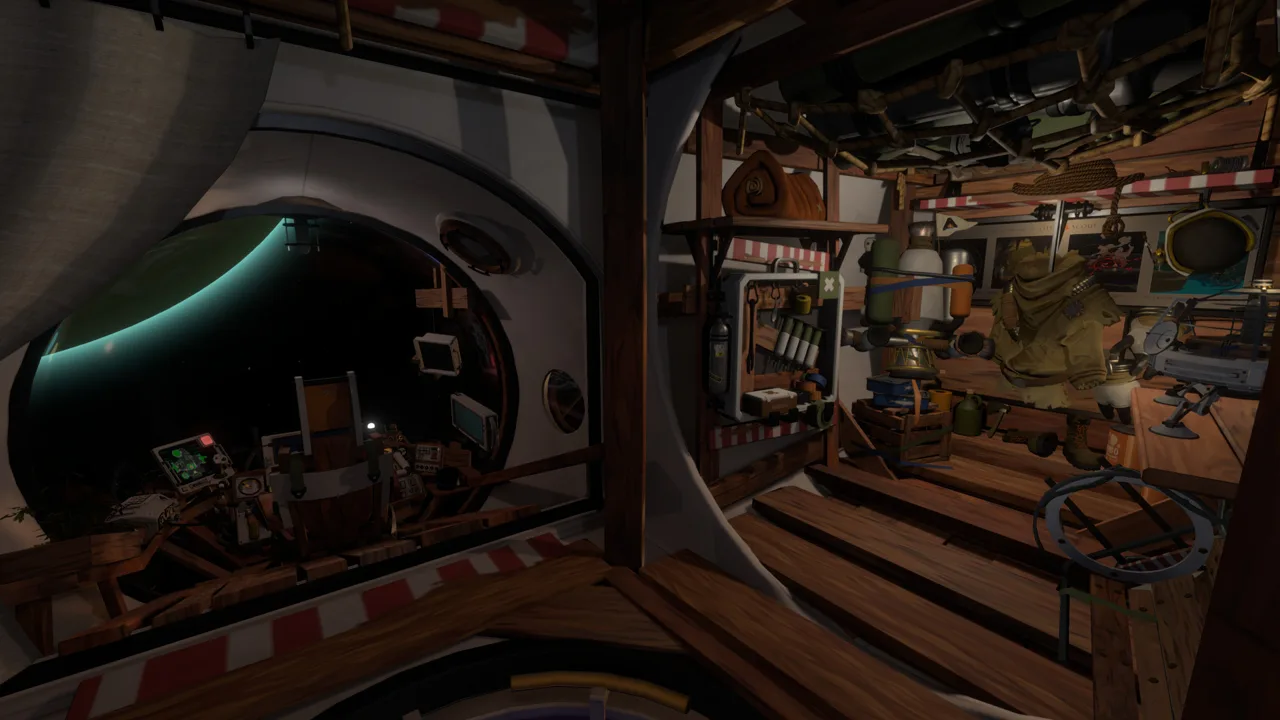 Image: Steam / Mobius Digital
The broader range covers extra controls, additional settings, usability improvements, and custom content such as planets and lore.
For creating new adventures, New Horizons provides a story mod framework. It supports creating planets, editing existing ones, and adding character dialogue, translatable text, and ship log entries. You can build custom content without coding, while adding your own code remains an option for more involved creations.
OWML serves a different role: it loads mods and gives them a framework for interacting with the game. New Horizons provides tools for building the content itself.
Linux, Steam Deck, and Store Compatibility
OWML supports Steam, Epic Games Store, and Microsoft Store installations, and it is compatible with Echoes of the Eye.
The manager offers several Linux packages:
- Debian
.deb - Arch Linux AUR
- Flatpak
- Nix
- RPM
- AppImage
Linux installations require Mono to be installed and available on the PATH, except when using AUR, Flatpak, or Nix packages.
On Steam Deck, switch to Desktop Mode and search for “Outer Wilds” in Discover to install the manager. Its Linux functionality includes patching the game to run modded through Mono.
An experimental macOS manager download is also available. That experimental app does not change the game’s Windows-only native platform support on Steam.
Manage Downloads and Your Enabled Mods
Once the loader is installed, the manager lets you download and update mods, toggle them on or off, and launch the game with them enabled. It also supports installing packages directly from the mod website, URLs, and ZIP files.
 Image: Steam / Mobius Digital
Use the import and export features to share your enabled mod list or reproduce a setup. Export that list before changing your selection if you want a record you can import again.
For command-line control, a separate CLI version is available. Run owmods help to see its commands.
How to Return to the Unmodded Game
Uninstalling the manager alone does not remove your mods. To remove the setup through the manager:
- Remove all mods.
- Run the game once.
- Uninstall Outer Wilds Mod Manager through Windows’ Add or remove programs.
- Verify the game files to restore the original game code.
On Steam, open your Library, right-click Outer Wilds, choose Properties, and use Verify integrity of game files. On Epic, open the game’s three-dot menu and select Verify.
For a manual installation, remove the OWML folder and then verify the game files.
If you want to keep your mod data while playing without mods, verify the game files and launch through Steam or Epic instead of OWML.Launcher.exe. Verification removes the loader’s changes to the game code without requiring you to discard that mod data.
Popular pages
Outer Wilds Achievements: Complete 100% Unlock Guide
Unlock all Outer Wilds achievements with base game and Echoes of the Eye checklists, tough trophy tips, rarity stats, and a clear 100% completion route.
Outer Wilds Switch: Price, Download Size, and Gameplay
Explore Outer Wilds Switch with release details, download size, play modes, and a spoiler-light look at its time-loop mystery before your next spaceflight.
Outer Wilds DLC Guide: How to Start Echoes of the Eye
Use this Outer Wilds dlc guide to find Echoes of the Eye, reach the Stranger, revisit its hidden areas, and navigate Starlit Cove with clear puzzle steps.
Outer Wilds Beginner Tips: Explore Without Spoilers
Outer Wilds beginner tips to help you fly, read your ship log, manage oxygen, and follow clues without spoiling the mystery. Make your next launch count.
Join the community
Official channels for news, updates and player help: