
Outer Wilds Gameplay: A Spoiler-Light Guide for Beginners
Learn how Outer Wilds gameplay works, fly confidently, manage oxygen, and follow clues through the time loop with tips that protect the game's surprises.
Jump to
What Do You Actually Do in Outer Wilds?
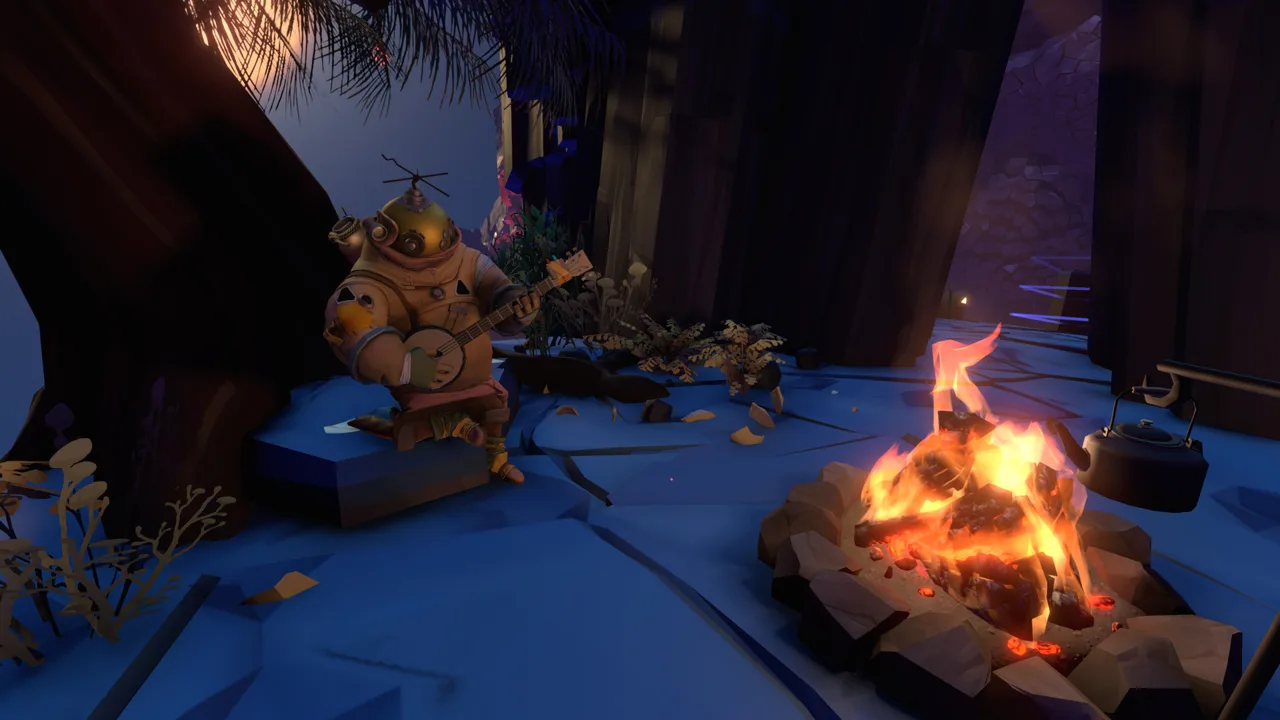
Outer Wilds gameplay turns every expedition into a question: what can you learn before the next reset? You explore a small solar system, translate alien writing, investigate strange signals, and connect discoveries across a repeating 22-minute time loop. Understanding that rhythm helps you make progress even when an expedition ends with a damaged spaceship and an empty oxygen tank.
You play as the newest astronaut in Outer Wilds Ventures, with a ship and exploration tools at your disposal. The central activity is investigation: land somewhere interesting, examine what you find, and follow the questions it raises.
Knowledge drives progression. Learning how an environment works or finding a clue on another planet can make a previously inaccessible location reachable. Your ship’s log retains important discoveries between loops, so a reset can send you home without erasing the information you gained.
Official page: Outer Wilds (mobiusdigitalgames.com)
Get Started Without Following a Fixed Route
Explore the village on Timber Hearth and practice with its introductory activities before heading into space. Talk to the Hearthians, investigate the museum, and get your launch codes. Those early interactions introduce the equipment and ideas you will use throughout the solar system.
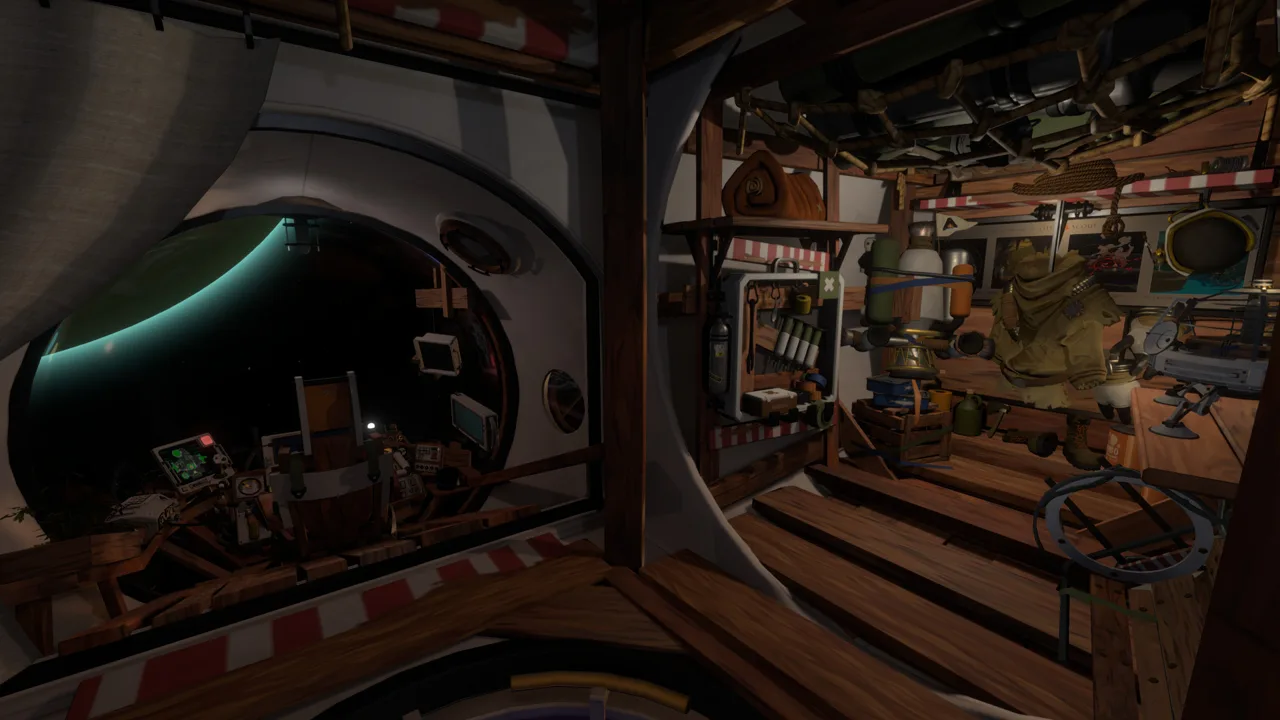 Image: Steam / Mobius Digital
After launch, choose a destination that answers something you are already curious about:
- Investigate a place mentioned in the museum.
- Explore more of Timber Hearth.
- Follow a musical signal to another traveler.
- Visit the Attlerock, Timber Hearth’s rocky moon.
There is no required planet order. Give each expedition a specific question, such as “Where is that signal coming from?” or “What did this writing mean?” That gives you direction without turning the adventure into a checklist.
Avoid trying to clear an entire planet before leaving. Clues connect locations across the solar system, and an obstacle on one world can become understandable after exploring another.
Fly by Managing Momentum
Spaceflight takes adjustment because releasing the controls does not automatically stop your ship. Momentum carries you forward, and nearby planets affect your trajectory through gravity.
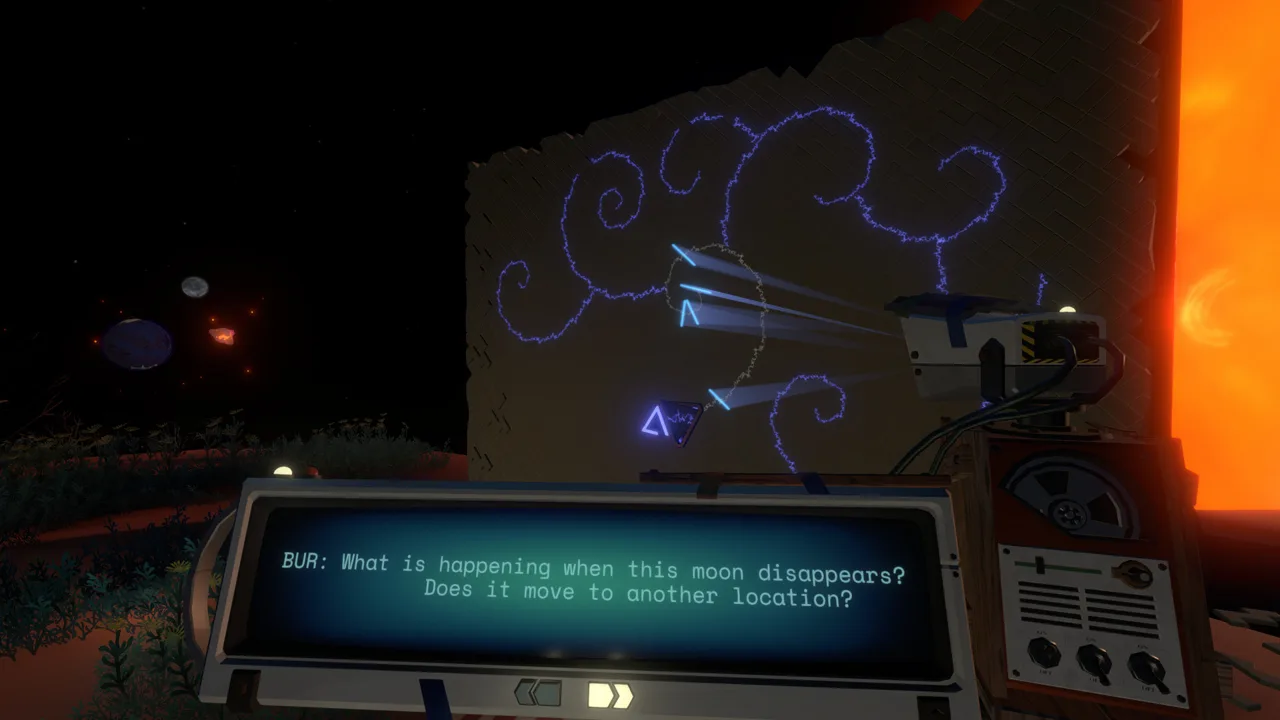 Image: Steam / Mobius Digital
Practice approaching a visible destination, slowing down, and landing before attempting especially demanding maneuvers.
- Start braking before you reach your destination. Counteract your movement rather than waiting until the surface fills the windshield.
- Use the match-velocity function with a selected target. It helps reduce movement relative to that object, which is useful when approaching something in space.
- Switch to the landing view for the final approach. Use its downward view to judge your position and descend with smaller corrections.
- Watch the route during autopilot. It handles travel toward a target, but it does not steer around obstacles in its path.
Matching velocity is relative to your target. Keep watching your surroundings afterward, especially near objects whose motion changes.
Collisions can disable ship components. Exit the ship and interact with damaged components to repair them when you need the vessel for the rest of your expedition. If you have already reached an explorable destination, investigate the area before spending the whole loop restoring your ride.
On PC, the game supports controllers fully, and a gamepad is recommended. Choose controls you can comfortably use for gradual thrust adjustments.
Use Your Tools to Investigate Before Committing
Your equipment helps you understand a place before you risk a landing, jump, or extended trip away from the ship.
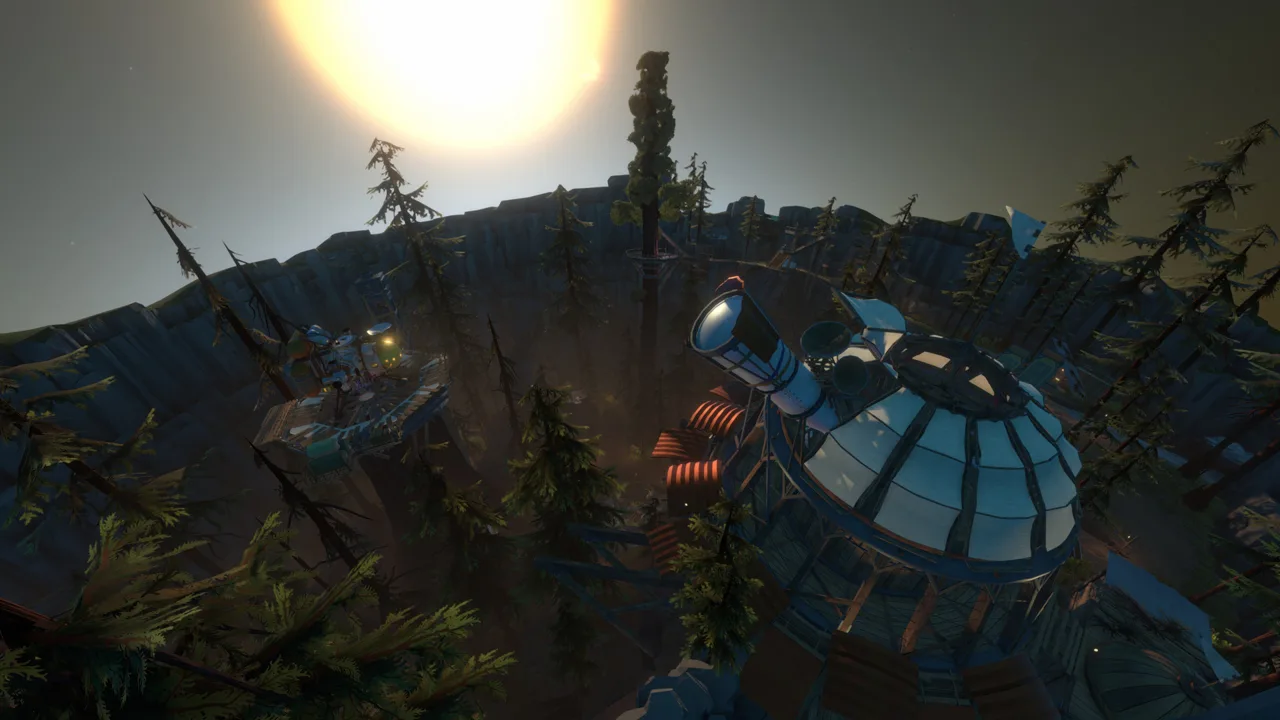 Image: Steam / Mobius Digital
Use the signalscope to follow sound. It detects audio transmissions, including the instruments played by fellow travelers. Sweep across the sky or landscape and follow a signal that interests you.
Translate Nomai writing thoroughly. These branching conversations contain both story and practical clues. Read the connected messages rather than stopping after the opening line, and pay attention to who is speaking. Names help you connect discussions found in different locations.
Launch the probe to inspect your surroundings. It can take pictures and illuminate areas. Send it ahead when you want a view of a space before entering it.
Use the jetpack with your fuel supply in mind. The suit lets you move beyond ordinary walking and jumping, but its fuel is limited. Check the gauge before committing to a route that requires sustained thrust.
Try a tool when observation alone leaves you with an unanswered question. A distant sound or an unfamiliar passage gives you a reason to experiment.
Treat Timing as Part of the Puzzle
The solar system changes during each loop, whether you are watching it or exploring somewhere else.
On the Hourglass Twins, sand moves between the planets, changing access to underground spaces. On Brittle Hollow, sections of the surface collapse over time. A route you used earlier can become unavailable later in the same loop.
When you reach a blocked passage, examine what is changing around it. Ask whether arriving earlier would help, or whether the environment needs more time to shift.
Use these habits when investigating a changing location:
- Return earlier if sand or collapsing terrain has cut off your route.
- Observe the surroundings before repeating an unsuccessful approach.
- Use a campfire to pass time when you are waiting for a particular stage of the loop.
- Record the event you noticed, such as a passage filling with sand, so you can plan the next visit around it.
You do not need to solve every mystery within a single loop. Use one visit to understand a location and another to act on what you learned.
Keep Oxygen, Fuel, and Health Under Control
Check your suit’s oxygen and fuel gauges regularly, particularly before moving farther from the ship. Running out of oxygen, taking a hard impact, or getting crushed can end an expedition.
Trees replenish your oxygen when you are close enough. Watch for them while exploring, including around travelers’ campsites, and use those locations to extend your time away from the ship.
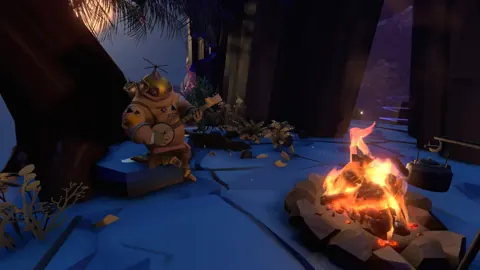
Return to your ship to refill oxygen and recover health. Campfires offer another option: roast and eat a marshmallow to restore health. Avoid burning it, because a burned marshmallow provides no healing.
If jetpack fuel runs out, the suit can use oxygen for propulsion. Treat that as an emergency option, since moving now consumes the resource keeping you alive.
Keep your return journey in mind. Before crossing a gap or descending into a hazardous area, check whether your remaining resources support getting back out.
Use the Ship’s Log When You Lose Direction
The computer at the back of your ship records important discoveries. Review it between expeditions, especially after reading several connected pieces of Nomai writing.
Its location view organizes information by place, while its connected view helps you follow relationships between mysteries. Read the entries themselves rather than relying only on remembering where you have landed.
When a lead stalls, separate what you know from what you are assuming. Have you learned that a passage is permanently blocked, or have you only seen it late in the loop? Does a text explain the location you are standing in, or point toward another destination?
Follow a different unresolved connection when repeated attempts stop teaching you anything. Exploring elsewhere can supply the missing context.
Keep brief personal notes for details you want outside the ship: names from Nomai conversations, questions raised by a particular ruin, or an environmental change you want to revisit. Write down the question you intend to test next, so the next launch begins with a purpose.
Continue with
 Outer Wilds How to Save: Autosaves and Loop ResetsOuter Wilds how to save explained: learn when autosaves happen, what survives each loop, and how to quit while keeping your discoveries in the ship's log.
More in Guide
See all Guide
Continue exploring
Outer Wilds Achievements: Complete 100% Unlock Guide
Unlock all Outer Wilds achievements with base game and Echoes of the Eye checklists, tough trophy tips, rarity stats, and a clear 100% completion route.
Outer Wilds Deep Impact: How to Break the Ocean Current
Unlock Outer Wilds Deep Impact by breaking Giant's Deep's ocean current. Follow gravity cannon launch steps, speed target, and tips for failed attempts.
Join the community
Official channels for news, updates and player help: