
Outer Wilds Exploration Guide: Where to Go and Why
Use this Outer Wilds exploration guide to choose your next destination, read the ship's log, handle changing planets, and make each 22-minute loop count.
Jump to
Where Should You Explore First?
Your next breakthrough might be on a planet you already visited. This Outer Wilds exploration guide helps you pick a destination, follow the ship’s log, and work with a solar system that changes throughout a 22-minute loop. Give each expedition a specific question to investigate so even a short trip can produce a useful discovery.
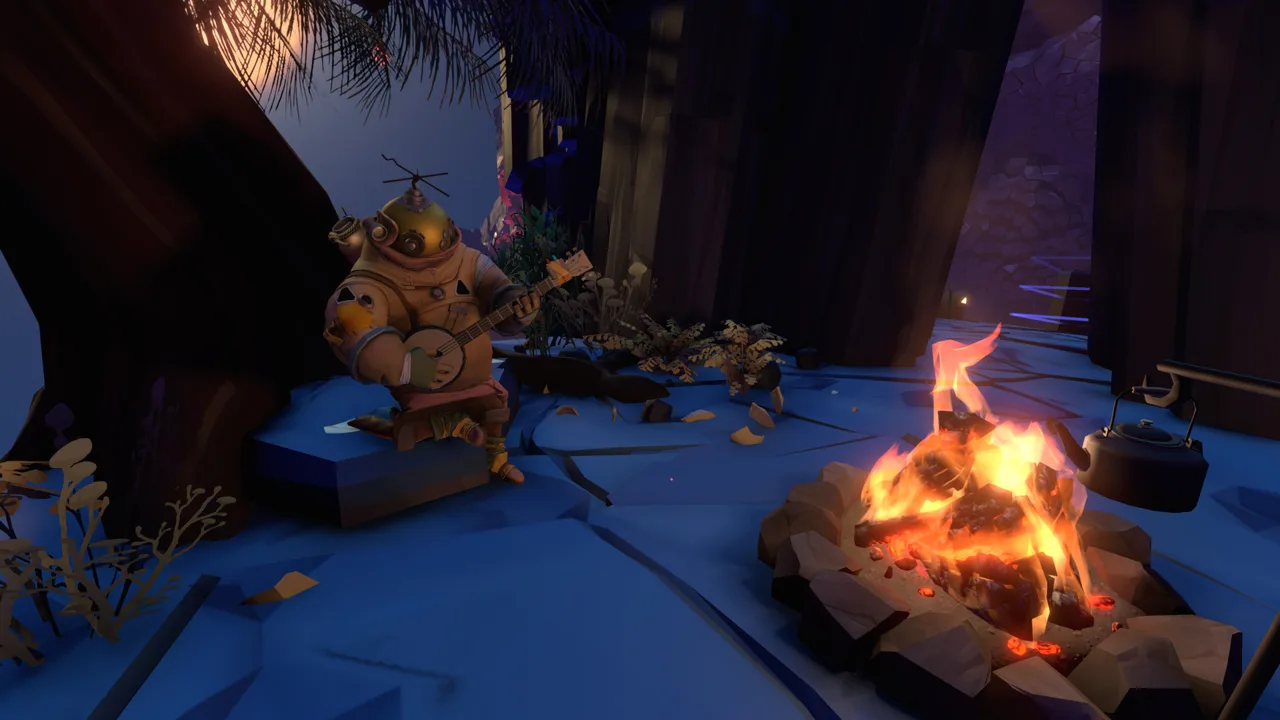
Start by exploring Timber Hearth’s village and practicing repairs in the Zero-G Cave. Get your launch codes, then follow whichever mystery catches your attention.
For a nearby destination, visit the Attlerock, Timber Hearth’s moon. Talk to Esker, investigate the Nomai signal locator, and use the lunar lookout to get your bearings. These stops introduce other travelers and give you leads beyond your home planet.
There is no required planet order. Follow an interesting signal, a location mentioned in Nomai writing, or an unanswered question from the museum.
Official page: Outer Wilds (mobiusdigitalgames.com)
Use the Ship’s Log to Choose Your Next Lead
The computer in the rear of your ship records important discoveries and retains them across loops. Check it before choosing your next destination, especially after an expedition introduces several unfamiliar names or places.
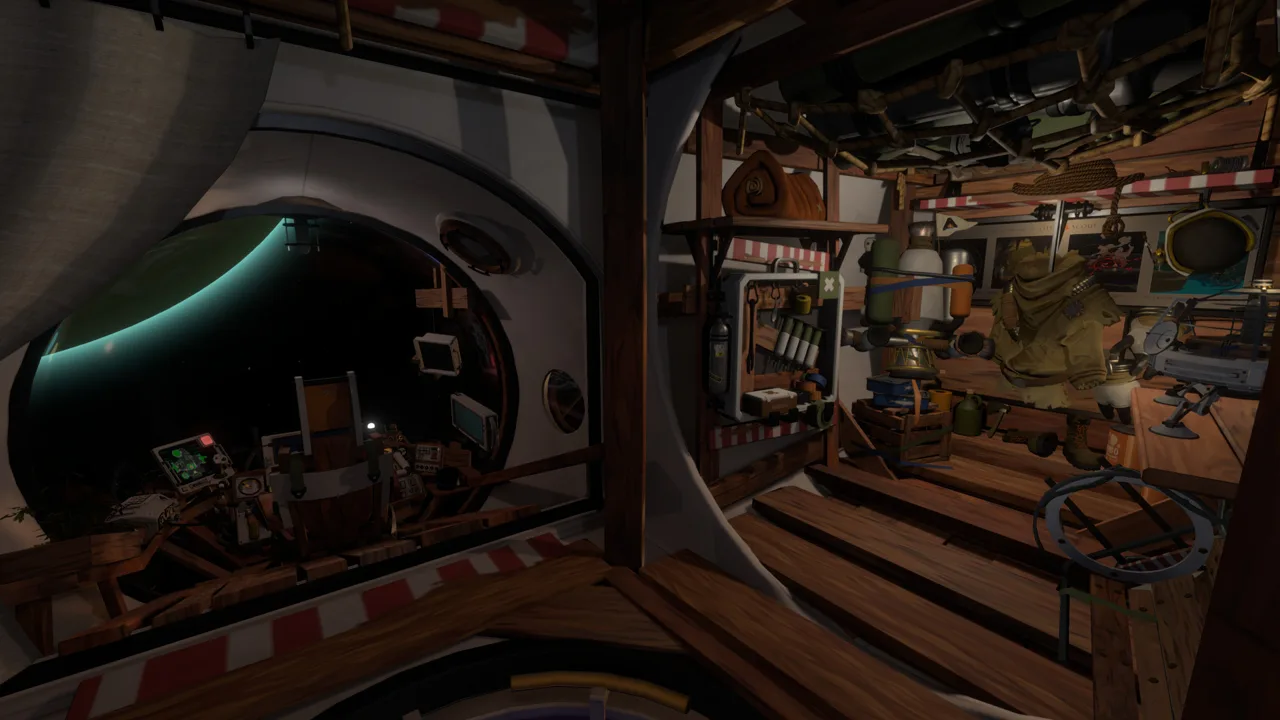 Image: Steam / Mobius Digital
Its two views serve different purposes:
- Map Mode groups discoveries by the planet or structure where you found them.
- Rumor Mode displays relationships between discoveries, making it easier to follow a mystery across multiple locations.
Pay attention to the entry markers. A green exclamation point means new text is waiting to be read. An orange asterisk means there is more to discover at that location.
Read the actual entry before returning to an orange-marked area. Look for a named room, an unexplored passage, or a device you haven’t examined. The marker identifies unfinished exploration; the text helps you decide what to investigate.
Keep brief personal notes for details you want available away from the ship, such as a Nomai name or a question about a diagram.
Learn to Control Your Approach and Landing
Spaceflight becomes easier when you pay attention to your movement relative to your destination.
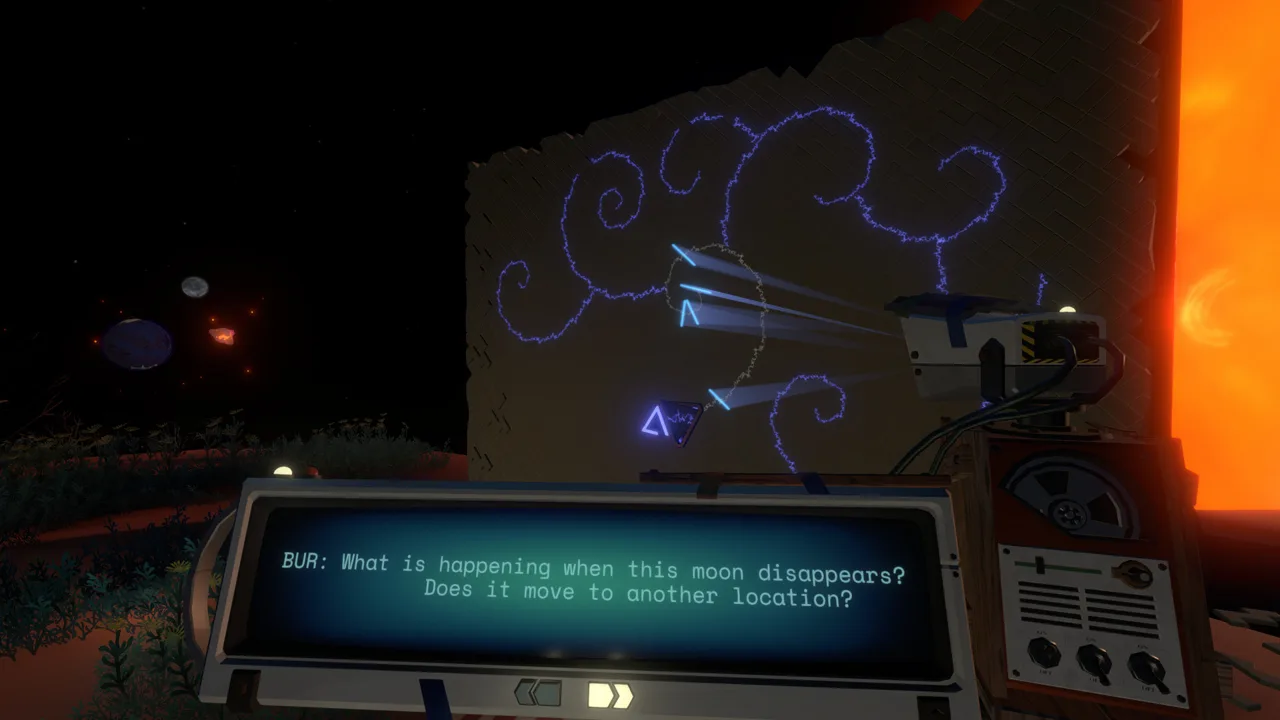 Image: Steam / Mobius Digital
Practice these habits during ordinary trips:
- Slow down before reaching the surface. Give yourself room to correct your approach.
- Match velocity when approaching an object in space. Use it to reduce relative motion while lining up.
- Switch to the landing camera near your landing spot. Use the downward view to judge your position and descent.
- Watch the route during autopilot. It won’t steer around obstacles, including the sun or a planet crossing your path.
Gravity continues to affect your trajectory, so keep monitoring the approach even after matching velocity.
If you fall through Brittle Hollow’s black hole, look around before giving up on the expedition. You emerge near the white hole at the edge of the system, with White Hole Station nearby. Investigating the station provides a way back and introduces an important Nomai technology.
Leave manual landings on the Sun Station for an optional challenge. Discover another route through exploration.
Put Your Tools and Supplies to Work
Your equipment gives you ways to investigate before committing to a dangerous route.
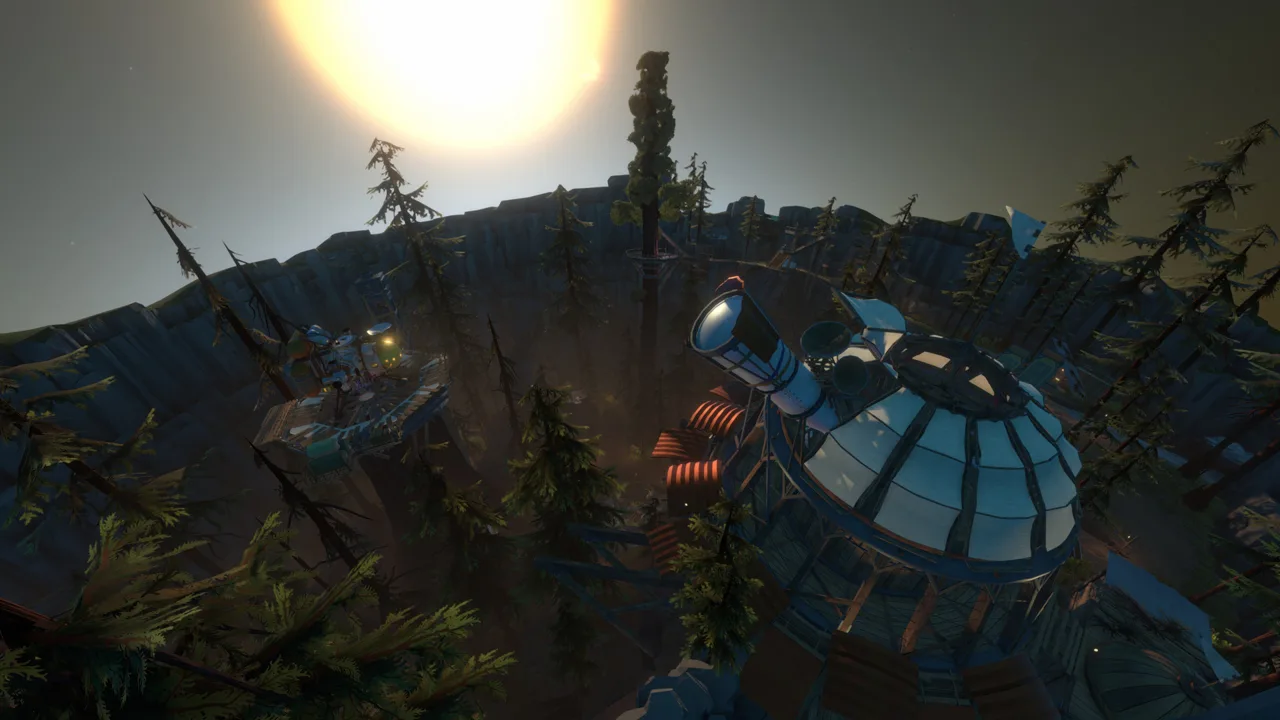 Image: Steam / Mobius Digital
Use the signalscope to follow travelers’ music and investigate other signals. When you need a destination, finding another Hearthian gives you someone to talk to and a surrounding area to explore.
Launch the Little Scout into an opening when you want a look beyond it. Timber Hearth’s Dark Bramble seed offers a particularly useful opportunity to experiment with its camera. Decipher ancient Nomai writing as you explore.
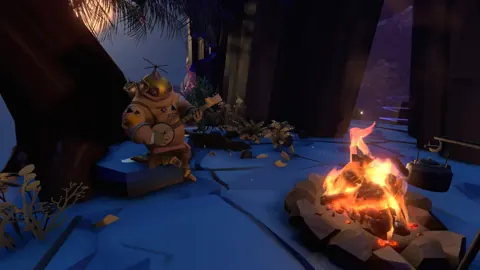
Watch your oxygen while exploring on foot. Trees and certain plants replenish your air when you stand nearby, and returning to the ship restores oxygen and health. Campfires also provide healing through roasted marshmallows; burned marshmallows restore no health.
For more comfortable exploration, the PC version includes:
- Full controller support, with a gamepad recommended.
- Adjustable Text Size for reading conversations and discoveries.
- Camera Comfort options.
Plan Around Each Planet’s Changing Environment
Time affects which routes remain available. When a passage becomes inaccessible, consider whether arriving earlier or later would change the situation.
Ember Twin and Ash Twin
Sand moves from Ash Twin to Ember Twin as the loop progresses. Ember Twin’s caves gradually fill, while structures buried on Ash Twin become exposed.
Head directly to Ember Twin when investigating underground routes. For a buried structure on Ash Twin, observe how the landscape changes before deciding that you’ve reached a dead end.
Brittle Hollow
Brittle Hollow’s crust breaks apart under bombardment from Hollow’s Lantern. Surface sections and structures beneath them can fall through the central black hole.
Visit a troublesome route at a different point in the loop. Watch the ground around you, and reassess your path when a familiar landmark disappears.
Giant’s Deep
Giant’s Deep combines strong gravity, a worldwide ocean, and drifting islands. Cyclones can launch islands above the atmosphere, changing your immediate surroundings dramatically.
Pay attention to where you land and what the weather is doing. Visit Gabbro and investigate the islands rather than repeatedly forcing your way through the same obstacle.
The Interloper
The Interloper follows an elongated orbit, and its icy surface changes as it approaches the sun.
Observe the comet during its orbit. If ice blocks your investigation, return at another orbital position and examine the surface again.
Dark Bramble
Dark Bramble’s fog and unusual interior make navigation difficult. Its connected spaces don’t behave like an ordinary planetary landscape.
Follow signals and use scout images to investigate your route. Repeatedly choosing an opening by appearance alone can leave you without a useful sense of direction.
Make a Stalled Expedition Useful
When you get stuck, identify the assumption behind your attempts. Are you treating a blocked passage as the only entrance? Expecting a location to stay unchanged? Trying to solve a device before understanding what it does?
Change one part of the attempt. Arrive earlier, inspect the surrounding area, read a connected log entry, or follow another lead on a different planet. Clues frequently connect locations across the solar system.
Give each loop a manageable objective: reach one district, investigate one signal, or understand one piece of machinery. If you need a later time window, use a campfire to pass time.
Return to travelers as you learn more. Their conversations can help you understand the world, and Gabbro can teach a meditation technique that lets you end a loop early. When an expedition has answered its question, check what changed in the ship’s log before choosing the next one.
Continue with
 Outer Wilds Planets: A Guide to Every World and MoonExplore Outer Wilds planets, moons, and space stations with useful tips for shifting sand, collapsing terrain, ocean storms, and the 22-minute time loop.
More in Exploration

Outer Wilds Dark Bramble Guide: Reach the Vessel Safely
Explore Outer Wilds Dark Bramble, avoid anglerfish, find Feldspar, and follow Escape Pod 3's trail to the Vessel with clear routes through the foggy seeds.
Outer Wilds Ship Log Guide: Symbols and Missing Clues
Use the Outer Wilds ship log to follow rumors, read map symbols, and track down missing entries, with targeted tips for Chert, the Vessel, and other clues.
Continue exploring
Join the community
Official channels for news, updates and player help: